
Author
PinoyFreeCoder
Published
Tue Dec 02 2025
Type
Free
Download
Not Available
Build your own GPS tracker that sends SMS alerts when anything leaves your custom safe zone! No Bluetooth. No subscriptions. Just logic + power. This project uses an Arduino Nano, SIM800L GSM module, and NEO-6M GPS module to create a standalone tracking device that works anywhere with GSM coverage.
Connect the components as follows:
Important: The SIM800L module operates at 3.3V logic levels, but Arduino Nano outputs 5V. Use a voltage divider (1KΩ + 2KΩ resistors) on the RX line to prevent damage to the SIM800L module.
Here's the complete Arduino sketch for the GPS tracker:
#include <SoftwareSerial.h>
#include <TinyGPS++.h>

// GPS Module connections
#define GPS_RX_PIN 4
#define GPS_TX_PIN 3

// SIM800L Module connections
#define SIM800L_RX_PIN 7
#define SIM800L_TX_PIN 8

// Create serial objects
SoftwareSerial gpsSerial(GPS_RX_PIN, GPS_TX_PIN);
SoftwareSerial sim800l(SIM800L_RX_PIN, SIM800L_TX_PIN);

// GPS object
TinyGPSPlus gps;

// Configuration
const float SAFE_ZONE_LAT = 14.5995;  // Replace with your safe zone latitude
const float SAFE_ZONE_LON = 120.9842; // Replace with your safe zone longitude
const float SAFE_ZONE_RADIUS = 0.001;  // Radius in degrees (approximately 100 meters)
const String PHONE_NUMBER = "+639123456789"; // Replace with your phone number

// State variables
unsigned long lastCheckTime = 0;
const unsigned long CHECK_INTERVAL = 30000; // Check every 30 seconds
bool isInSafeZone = true;
bool gpsReady = false;

void setup() {
  // Initialize serial communication
  Serial.begin(9600);
  gpsSerial.begin(9600);
  sim800l.begin(9600);

  Serial.println("GPS Tracker Initializing...");

  // Wait for SIM800L to be ready
  delay(2000);

  // Initialize SIM800L
  sim800l.println("AT");
  delay(1000);
  sim800l.println("AT+CMGF=1"); // Set SMS mode to text
  delay(1000);
  sim800l.println("AT+CNMI=2,2,0,0,0"); // Set SMS notification
  delay(1000);

  Serial.println("GPS Tracker Ready!");
  sendSMS("GPS Tracker initialized and ready.");
}

void loop() {
  // Read GPS data
  while (gpsSerial.available() > 0) {
    if (gps.encode(gpsSerial.read())) {
      if (gps.location.isValid()) {
        gpsReady = true;
      }
    }
  }

  // Check location every CHECK_INTERVAL
  if (millis() - lastCheckTime > CHECK_INTERVAL) {
    lastCheckTime = millis();

    if (gpsReady && gps.location.isValid()) {
      float currentLat = gps.location.lat();
      float currentLon = gps.location.lng();

      // Calculate distance from safe zone
      float distance = calculateDistance(
        SAFE_ZONE_LAT, SAFE_ZONE_LON,
        currentLat, currentLon
      );

      // Check if device is in safe zone
      bool currentlyInSafeZone = (distance <= SAFE_ZONE_RADIUS);

      // Send alert if device left safe zone
      if (isInSafeZone && !currentlyInSafeZone) {
        String message = "ALERT: Device left safe zone!\n";
        message += "Location: ";
        message += String(currentLat, 6);
        message += ", ";
        message += String(currentLon, 6);
        message += "\n";
        message += "Distance: ";
        message += String(distance * 111000, 2); // Convert to meters
        message += " meters";

        sendSMS(message);
        isInSafeZone = false;
      }

      // Update status when back in safe zone
      if (!isInSafeZone && currentlyInSafeZone) {
        sendSMS("Device returned to safe zone.");
        isInSafeZone = true;
      }

      // Debug output
      Serial.print("Lat: ");
      Serial.print(currentLat, 6);
      Serial.print(", Lon: ");
      Serial.print(currentLon, 6);
      Serial.print(", Distance: ");
      Serial.print(distance * 111000, 2);
      Serial.println(" meters");
    } else {
      Serial.println("Waiting for GPS signal...");
    }
  }

  // Handle incoming SMS
  if (sim800l.available()) {
    String response = sim800l.readString();
    Serial.println("SIM800L: " + response);

    // Check for location request SMS
    if (response.indexOf("LOCATION") != -1 || response.indexOf("location") != -1) {
      if (gpsReady && gps.location.isValid()) {
        String locationMsg = "Current Location:\n";
        locationMsg += "Lat: ";
        locationMsg += String(gps.location.lat(), 6);
        locationMsg += "\nLon: ";
        locationMsg += String(gps.location.lng(), 6);
        locationMsg += "\n";
        locationMsg += "https://www.google.com/maps?q=";
        locationMsg += String(gps.location.lat(), 6);
        locationMsg += ",";
        locationMsg += String(gps.location.lng(), 6);

        sendSMS(locationMsg);
      } else {
        sendSMS("GPS signal not available. Please wait...");
      }
    }
  }
}

// Function to calculate distance between two coordinates
float calculateDistance(float lat1, float lon1, float lat2, float lon2) {
  float dLat = (lat2 - lat1) * PI / 180.0;
  float dLon = (lon2 - lon1) * PI / 180.0;

  float a = sin(dLat / 2) * sin(dLat / 2) +
            cos(lat1 * PI / 180.0) * cos(lat2 * PI / 180.0) *
            sin(dLon / 2) * sin(dLon / 2);

  float c = 2 * atan2(sqrt(a), sqrt(1 - a));
  float distance = c; // Distance in degrees

  return distance;
}

// Function to send SMS
void sendSMS(String message) {
  sim800l.println("AT+CMGS="" + PHONE_NUMBER + """);
  delay(1000);
  sim800l.print(message);
  delay(100);
  sim800l.write(26); // Ctrl+Z to send
  delay(1000);

  Serial.println("SMS sent: " + message);
}
Arduino IDE → Sketch → Include Library → Manage Libraries
Search and install: "TinyGPS++"1. GPS Tracking: The NEO-6M GPS module continuously receives satellite signals and provides location coordinates (latitude and longitude).
2. Safe Zone Monitoring: The Arduino calculates the distance between the current location and the predefined safe zone center. If the distance exceeds the safe zone radius, an alert is triggered.
3. SMS Alerts: When the device leaves the safe zone, the SIM800L module sends an SMS alert to your phone number with the current location coordinates and distance from the safe zone.
4. Location Requests: You can send an SMS with "LOCATION" to the tracker's SIM card number, and it will reply with the current GPS coordinates and a Google Maps link.
Here are some additional code snippets you can add to enhance the tracker:
// Add to setup()
pinMode(A0, INPUT);

// Add function to check battery
int getBatteryLevel() {
  int sensorValue = analogRead(A0);
  int batteryPercent = map(sensorValue, 0, 1023, 0, 100);
  return batteryPercent;
}

// Call in loop() when battery is low
if (getBatteryLevel() < 20) {
  sendSMS("Low battery warning: " + String(getBatteryLevel()) + "%");
}
// Add to configuration
const unsigned long LOCATION_UPDATE_INTERVAL = 300000; // 5 minutes
unsigned long lastLocationUpdate = 0;

// Add to loop()
if (millis() - lastLocationUpdate > LOCATION_UPDATE_INTERVAL) {
  if (gpsReady && gps.location.isValid()) {
    String updateMsg = "Location Update:\n";
    updateMsg += "Lat: " + String(gps.location.lat(), 6);
    updateMsg += "\nLon: " + String(gps.location.lng(), 6);
    sendSMS(updateMsg);
    lastLocationUpdate = millis();
  }
}
// Add to loop() after GPS reading
if (gps.speed.isValid()) {
  float speedKmh = gps.speed.kmph();

  // Alert if speed exceeds limit
  if (speedKmh > 80) { // 80 km/h limit
    String speedAlert = "Speed Alert: ";
    speedAlert += String(speedKmh, 1);
    speedAlert += " km/h";
    sendSMS(speedAlert);
  }
}
A custom 3D-printable case is available for this project. The case design includes:
Important: Before deploying this tracker:
This GPS tracker project provides a solid foundation for location tracking applications. You can extend it with additional features like data logging, web dashboard integration, or multiple safe zones.
This source code is available for viewing. Follow the instructions and code snippets in the article to implement the project.
Tip: Copy the code snippets directly from the article content below.
Discover amazing deals and products we recommend

Sustainably sourced, chemical-free beans for a delightful brew. Packed With Rich Nutrients. Coffee drink with mangosteen, guyabano and acai berry!
View Product
Ambi Pur Car Freshener Sky Breeze Value Pack Lavender Comfort Value Pack 2.2ml Car Vent Clip (Long-lasting Car Freshener, Air Freshener)
View Product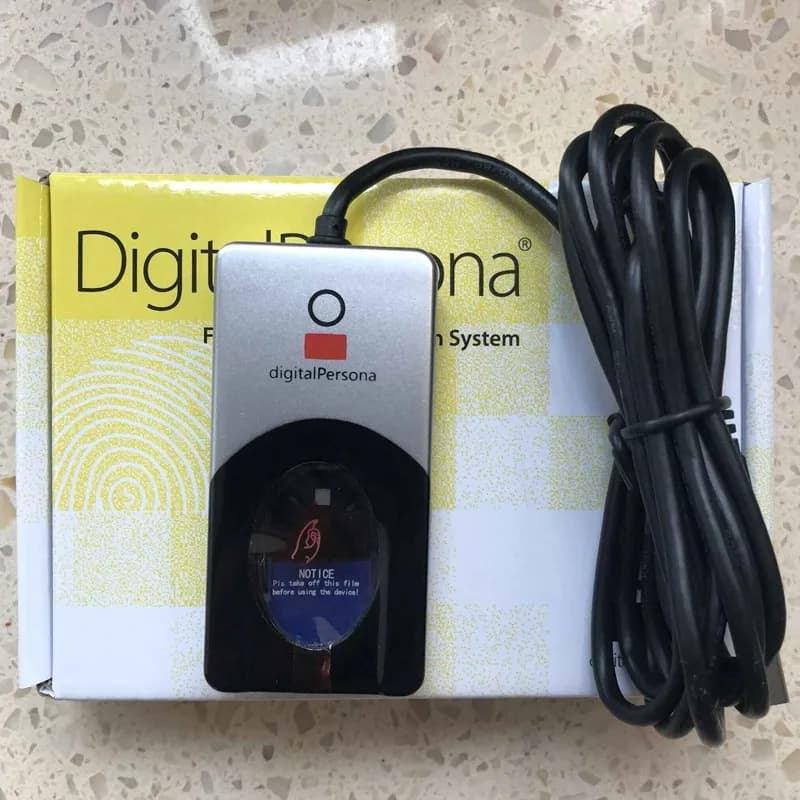
The U.are.U 4500 Fingerprint Reader is a USB peripheral perfect for individual desk top users, as well as multiple users in shared environments. Its compact design conserves desk space in enterprises, and its professional, modern appearance looks elegant in point-of-sale environments.
View Product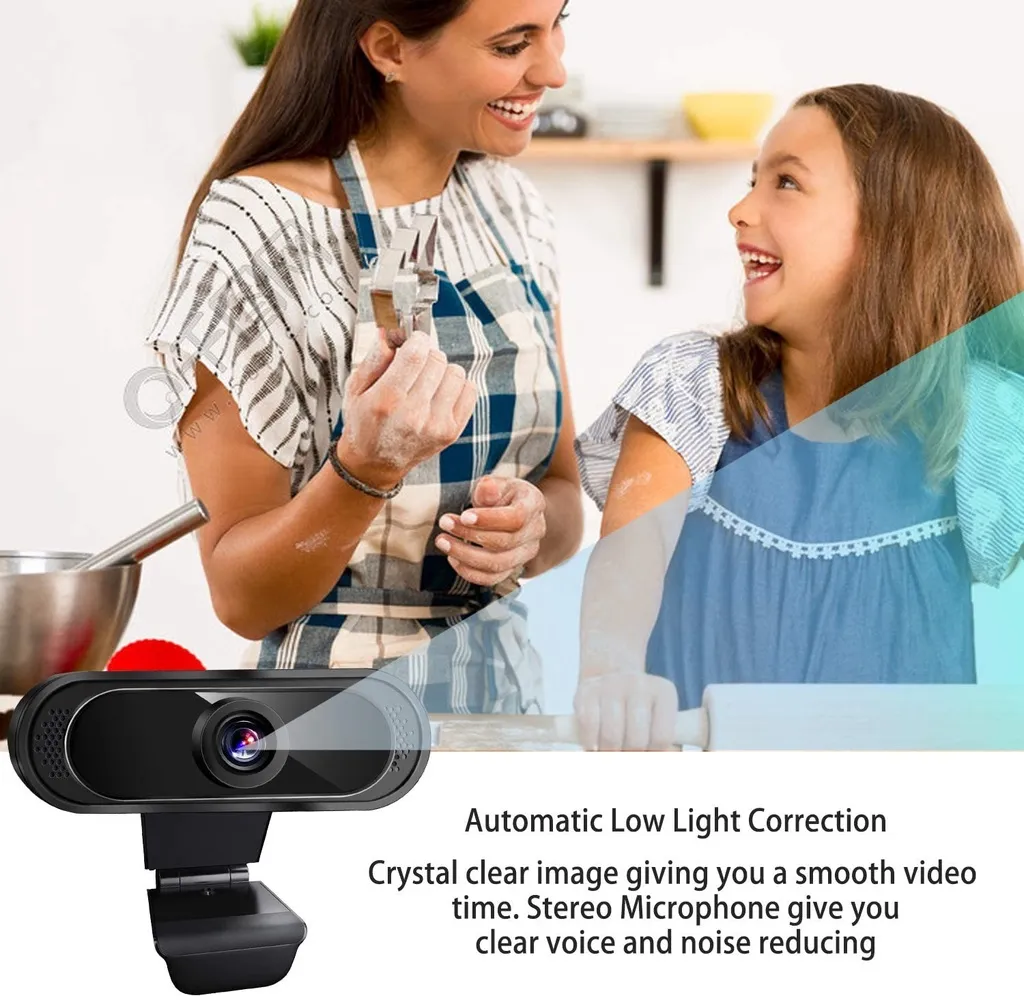
ANSEN 1080P Webcam for PC Laptop Online Class Webcams HD USB Web Camera with Mic Live Steam
View Product
After washing your hair, roll on your scalp or skin spot you want to grow hair and gently massage for 2-3 minutes, no need to wash out, oil-based easy to use, and visible results within 2-4 weeks (depending on the skin absorption)
View Product
The F160 dual screen desktop monitor arm has a durable Gas-strut design to enable adjustment of your screen to your desired height and angle. This allows you to experience your interface from the best possible viewing angle. This design is particularly useful in a professional environment for collaborative work that requires multiple screens, or any space where you need to efficiently fit multiple screens. A gravity spring pivot joint design offers effortless titling to eliminate awkward positioning.
View Product
Make the most of play time with G203—a gaming mouse in a variety of vibrant colors. With LIGHTSYNC technology, a gaming-grade sensor and a classic 6-button design, you’ll light up your game and your desk
View Product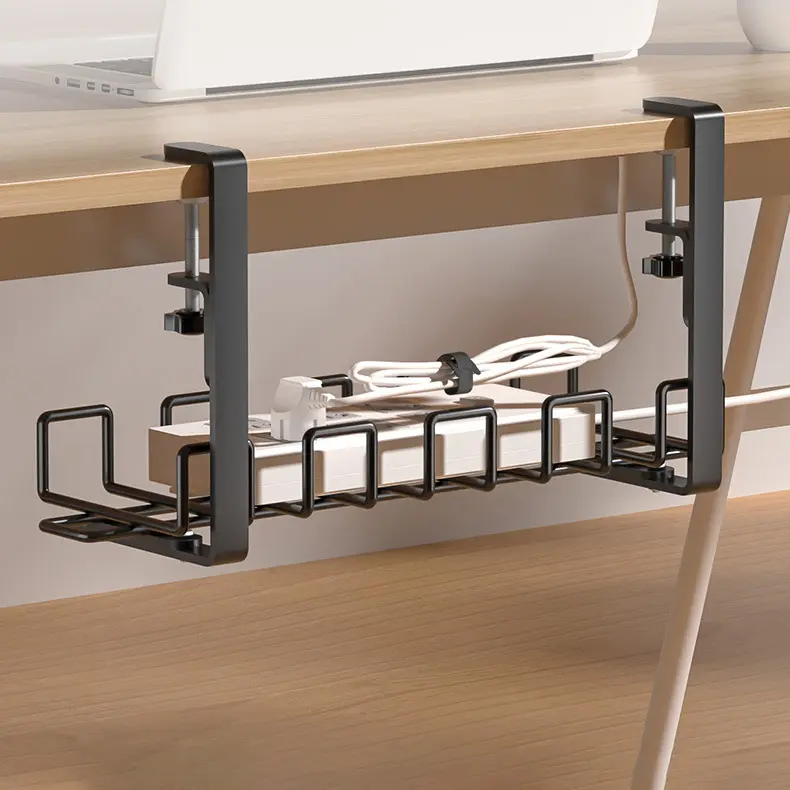
【ADJUSTABLE CLAMP】Screw clamp is easy to remove and reattach, adjustable clamps securely onto desks up to 4cm/1.57inch thick and as narrow as 1.2cm/0.47inch for a near universal fit on most desks.
View Product
Refresh with a delicious blend of all-natural green tea, lemon and cucumber extracts with NEW NESTEA CLEANSE! It's high in fiber which aids in digestion, and has no added table sugar. So go ahead -- start your wellness journey with NESTEA CLEANSE! Ang Gaan with NESTEA!
View Product